How to submit an analysis for review in JHA Creator
An analysis can't be briefed to the crew until it is approved. Submitting generates the document and creates a numbered revision, so the approver signs off on exactly the version the crew will see.
Before you start
- The Author role (an admin gives it on Team & roles)
- A draft analysis (see Create your first AHA)
Preview voice Narrated with a local preview voice; the final recording replaces it.
Transcript
Send your finished analysis to an approver as a numbered revision, so they sign off on exactly what the crew will see.
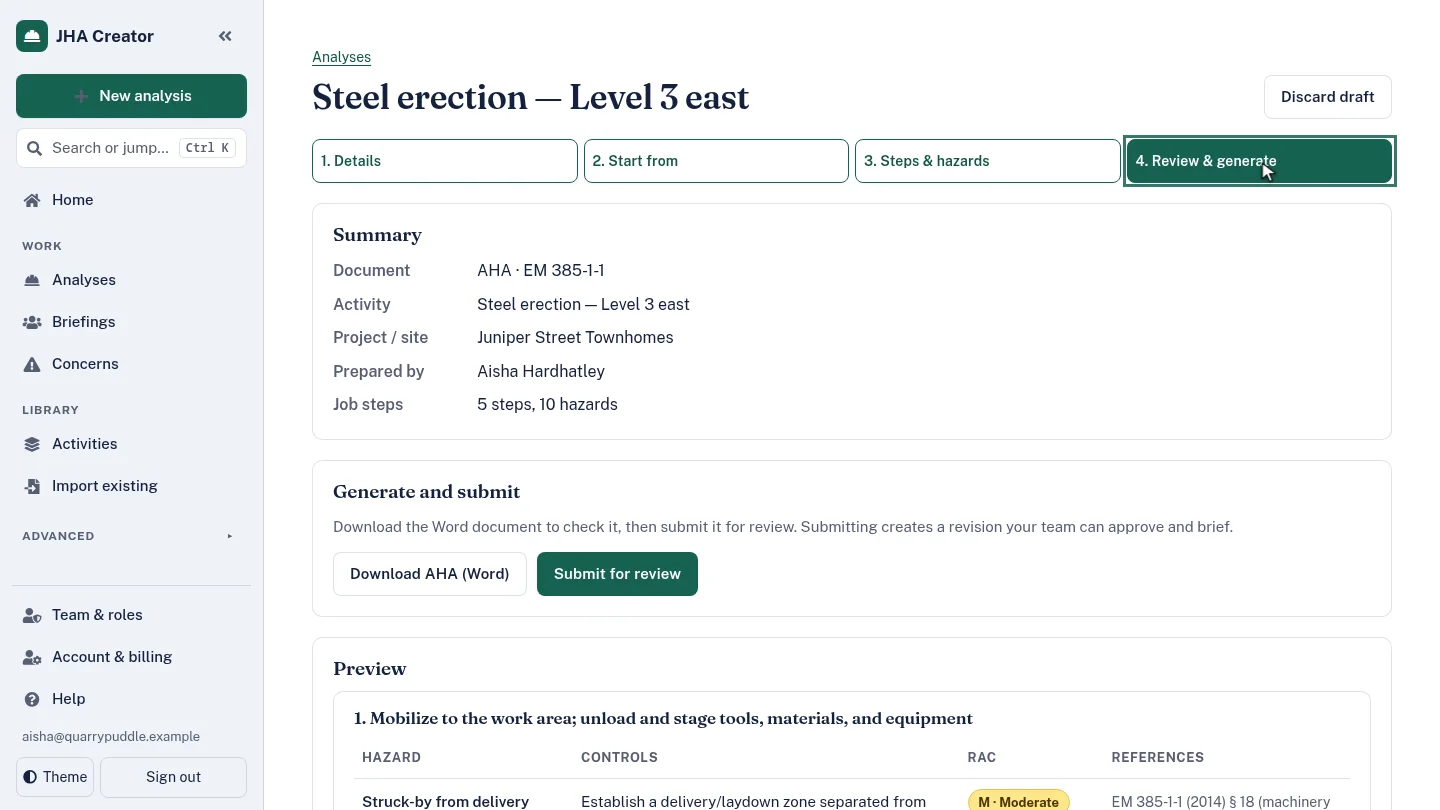
Open the draft from Analyses. It opens in the wizard, so select Review and generate at the top.
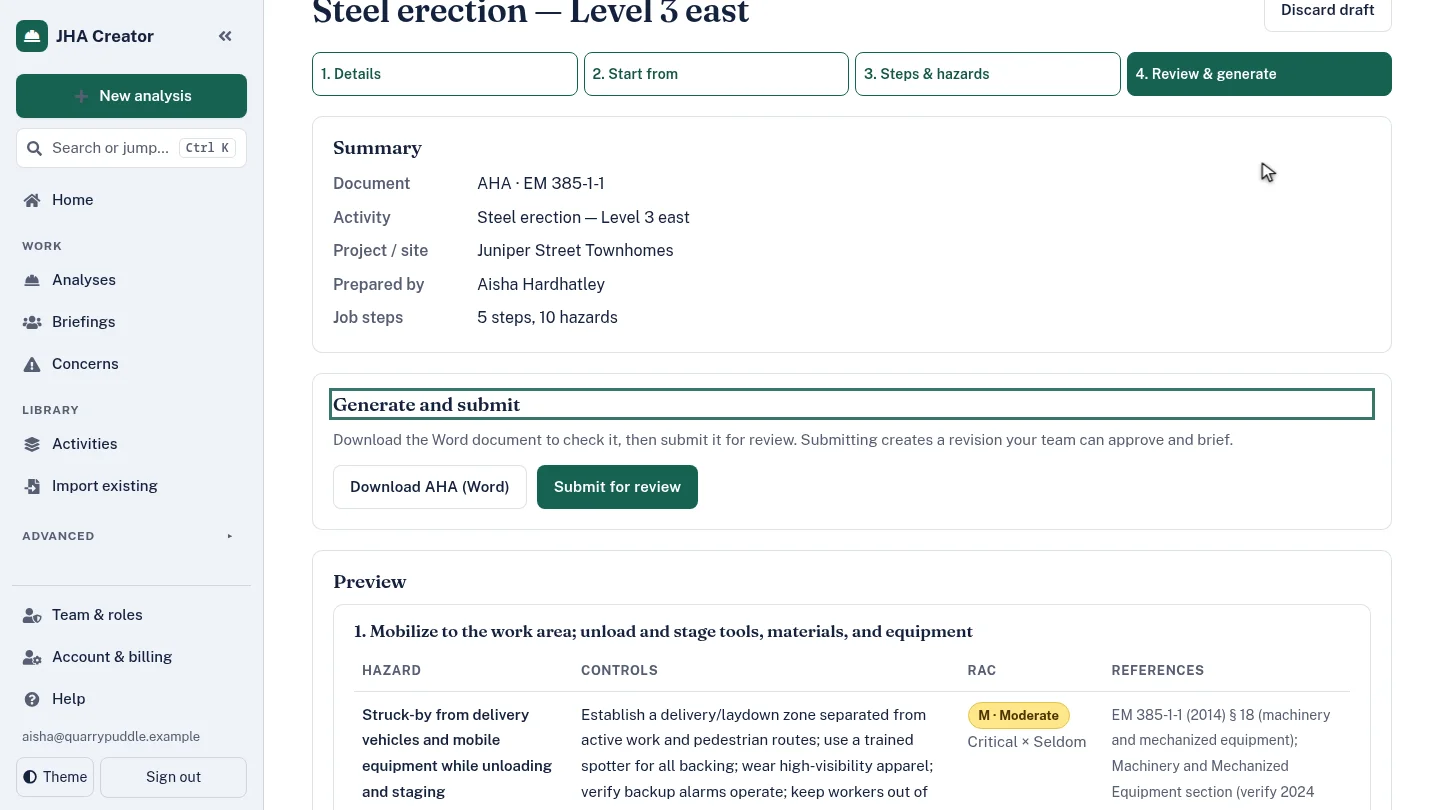
If Finish these first appears, fix the listed items in Steps and hazards, then come back.
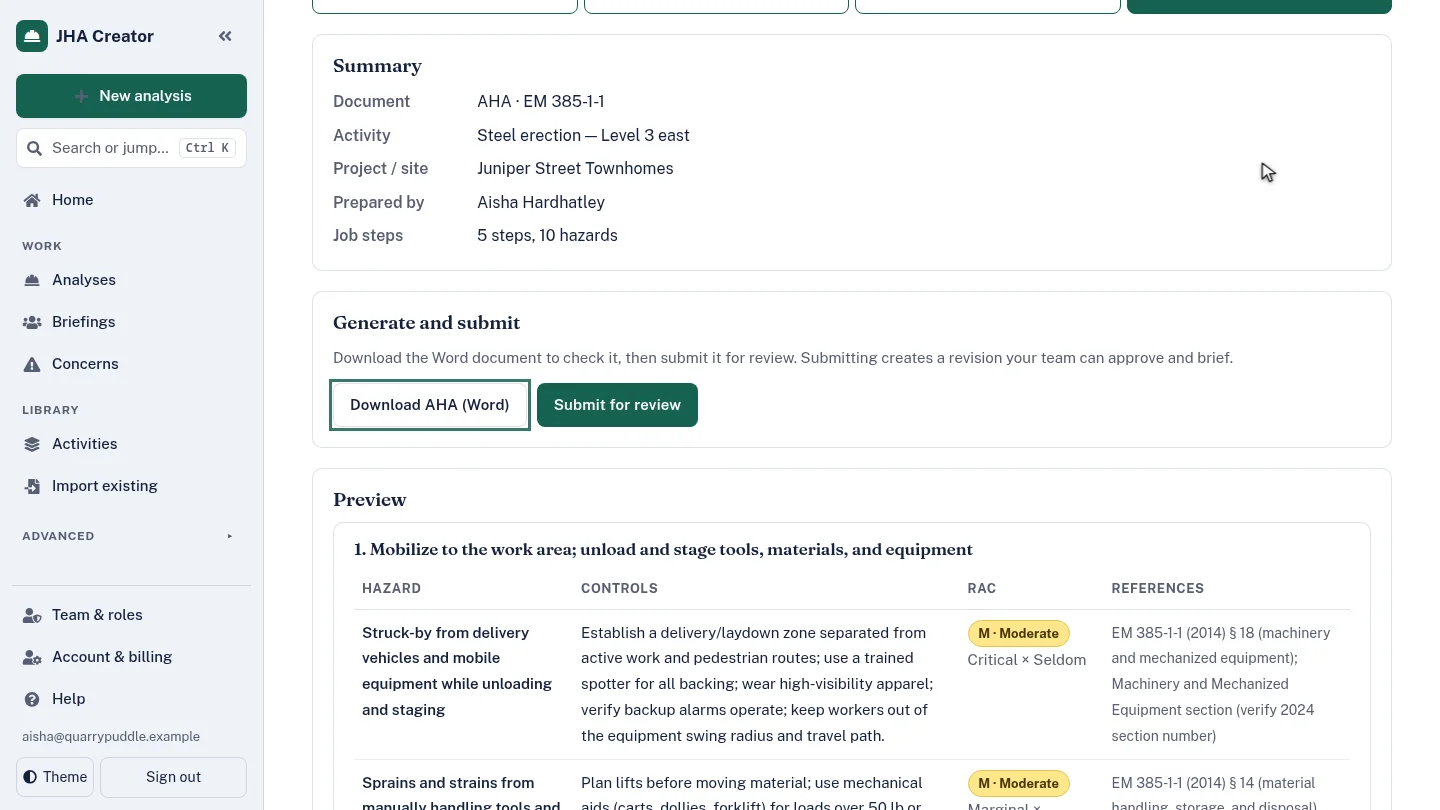
Optionally, download the Word document first, and check it the way the crew will read it.
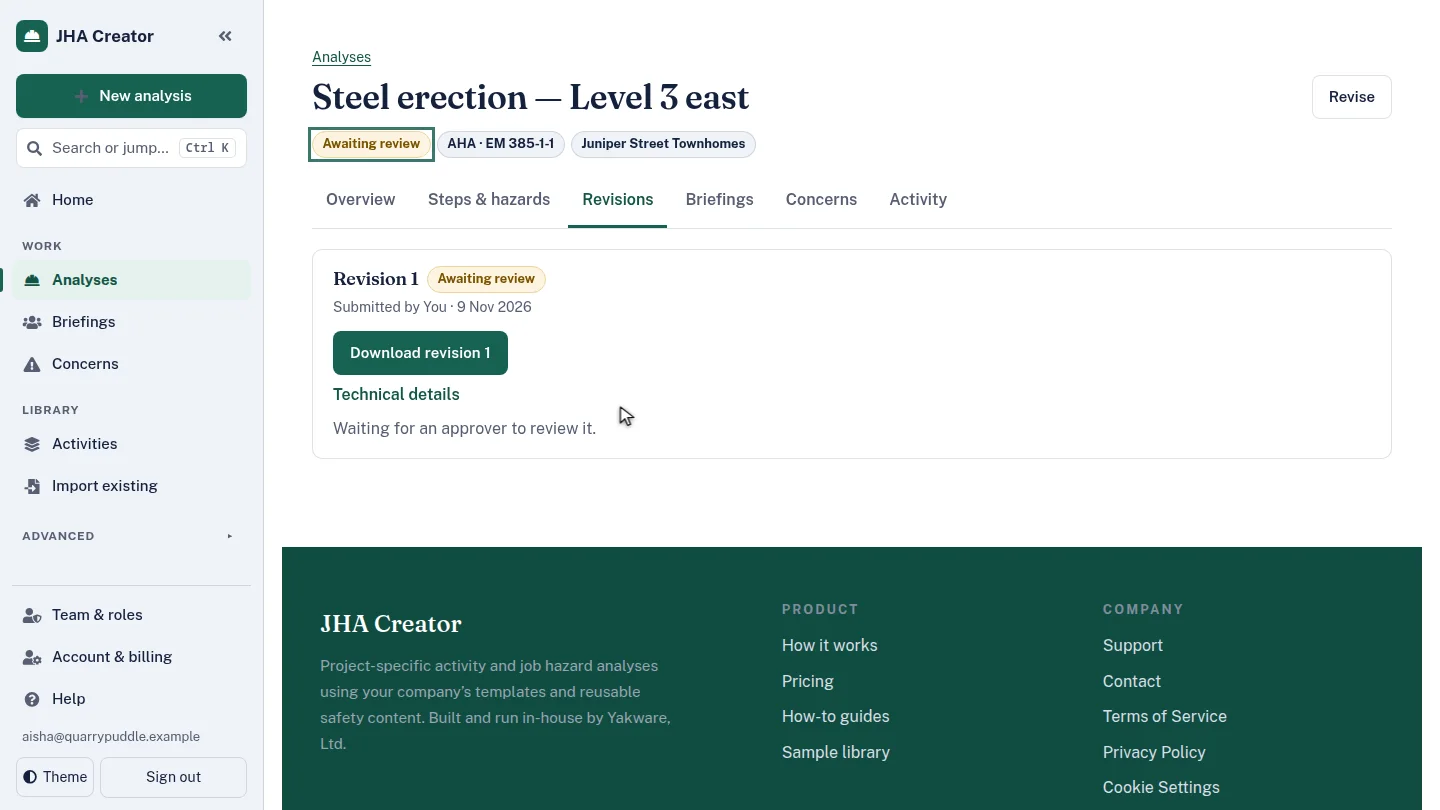
Select Submit for review. The analysis opens on Revisions, with revision one awaiting review.
Steps
Open Review & generate ▶ 0:09
In Analyses, select the draft, then select 4. Review & generate.
Fix anything outstanding ▶ 0:16
If Finish these first appears, select Fix them in Steps & hazards, complete the listed items, and return to 4. Review & generate.
Optional: check the document ▶ 0:23
Optional: select Download AHA (Word) or Download JHA (Word) and check the document.
Submit ▶ 0:30
Select Submit for review. JHA Creator generates the document, shows Submitted for review, and opens the analysis on Revisions.
Next steps
Updated 2026-11-09
submit review approval revision send for approval approver