How to choose between an AHA and a JHA in JHA Creator
JHA Creator writes two kinds of document from the same steps and hazards. An Activity Hazard Analysis (AHA) follows USACE EM 385-1-1, and a Job Hazard Analysis (JHA) follows OSHA. The choice decides which controls wording and references print, so pick the one your contract or client asks for.
Before you start
- The Author role (an admin gives it on Team & roles)
Preview voice Narrated with a local preview voice; the final recording replaces it.
Transcript
One choice decides whether your analysis prints as an AHA or a JHA.
Under Which document do you need, compare the two. The AHA is for USACE and other federal work under EM 385-1-1. The JHA is for commercial work under OSHA.
Select one, name the activity, describe the scope, and select Save and continue. JHA Creator remembers your choice for your next analysis.
Need the other type later? Open the analysis, select Revise, and choose the other type on Details. Need both? Create one of each from the same activity.
Steps
Compare the two types ▶ 0:06
Select New analysis. Under Which document do you need?, Activity Hazard Analysis (AHA) is for USACE and other federal work under EM 385-1-1, with risk assessment codes and EM 385 references. Job Hazard Analysis (JHA) is for commercial work under OSHA 29 CFR 1926 / 1910, with OSHA controls and references.
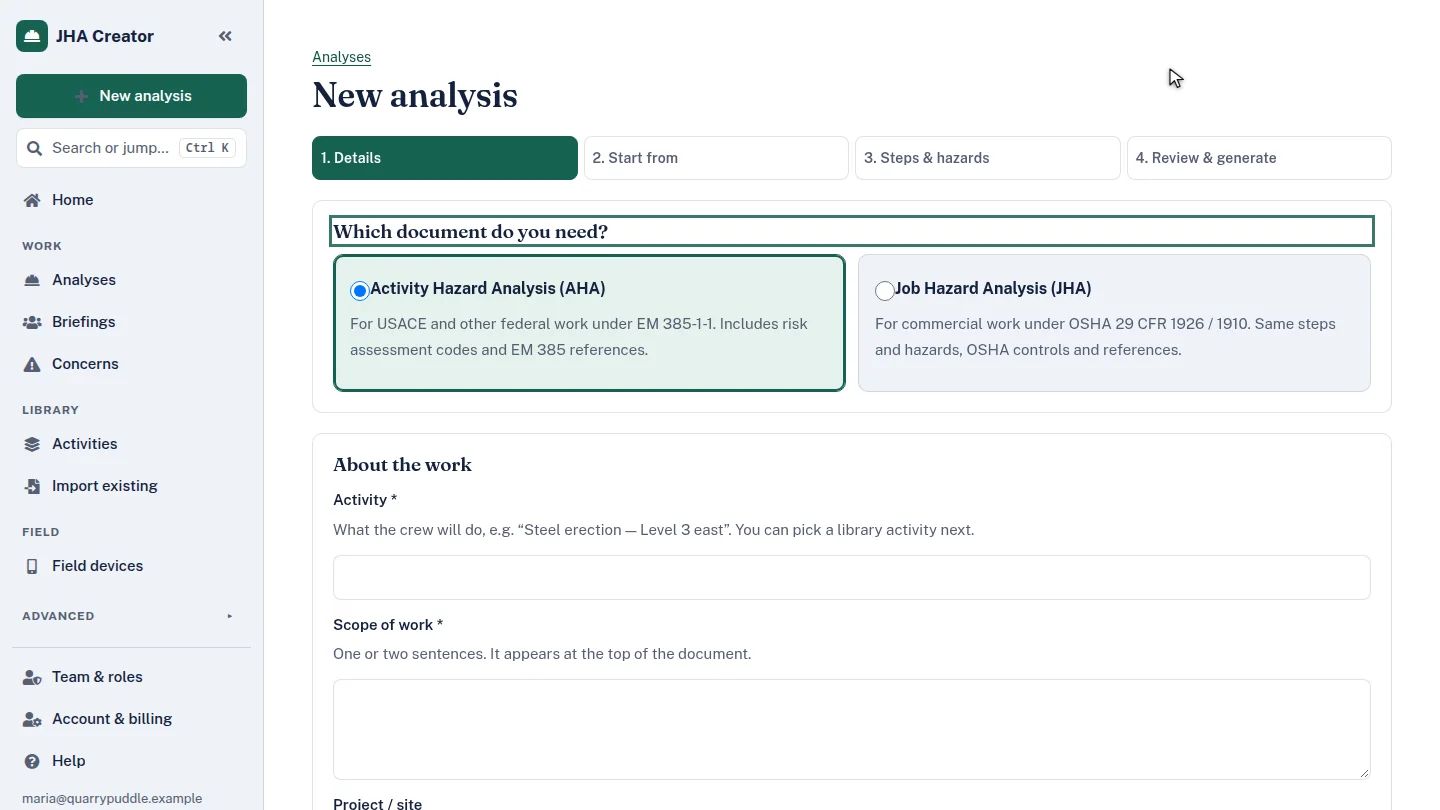
Pick one ▶ 0:17
Select the type, fill in Activity and Scope of work, and select Save and continue. JHA Creator remembers your choice as the default for your next analysis.
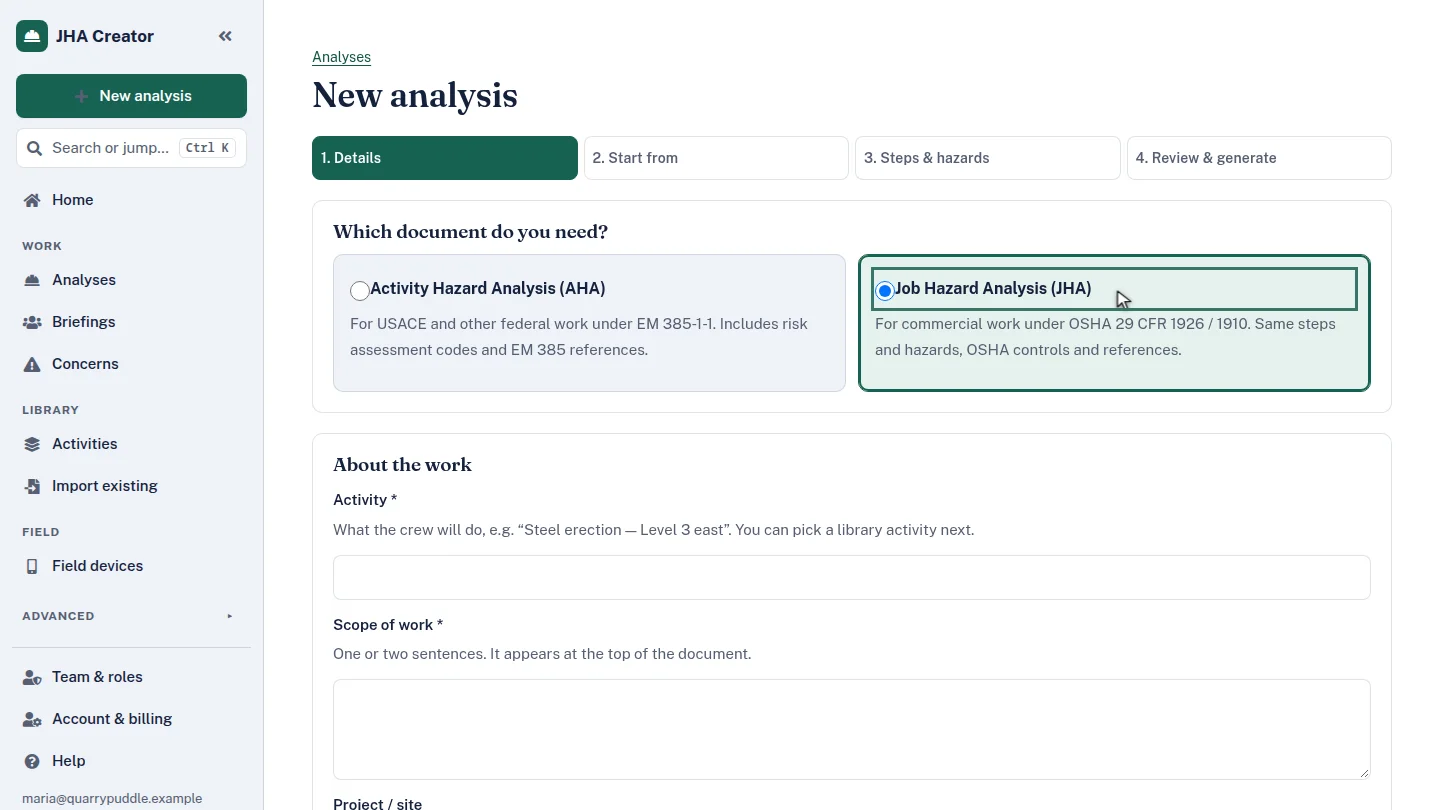
Change it later ▶ 0:27
To switch a submitted analysis, open it from Analyses and select Revise. Select 1. Details, choose the other type, and submit the new revision. For both documents, create one analysis of each type from the same library activity.
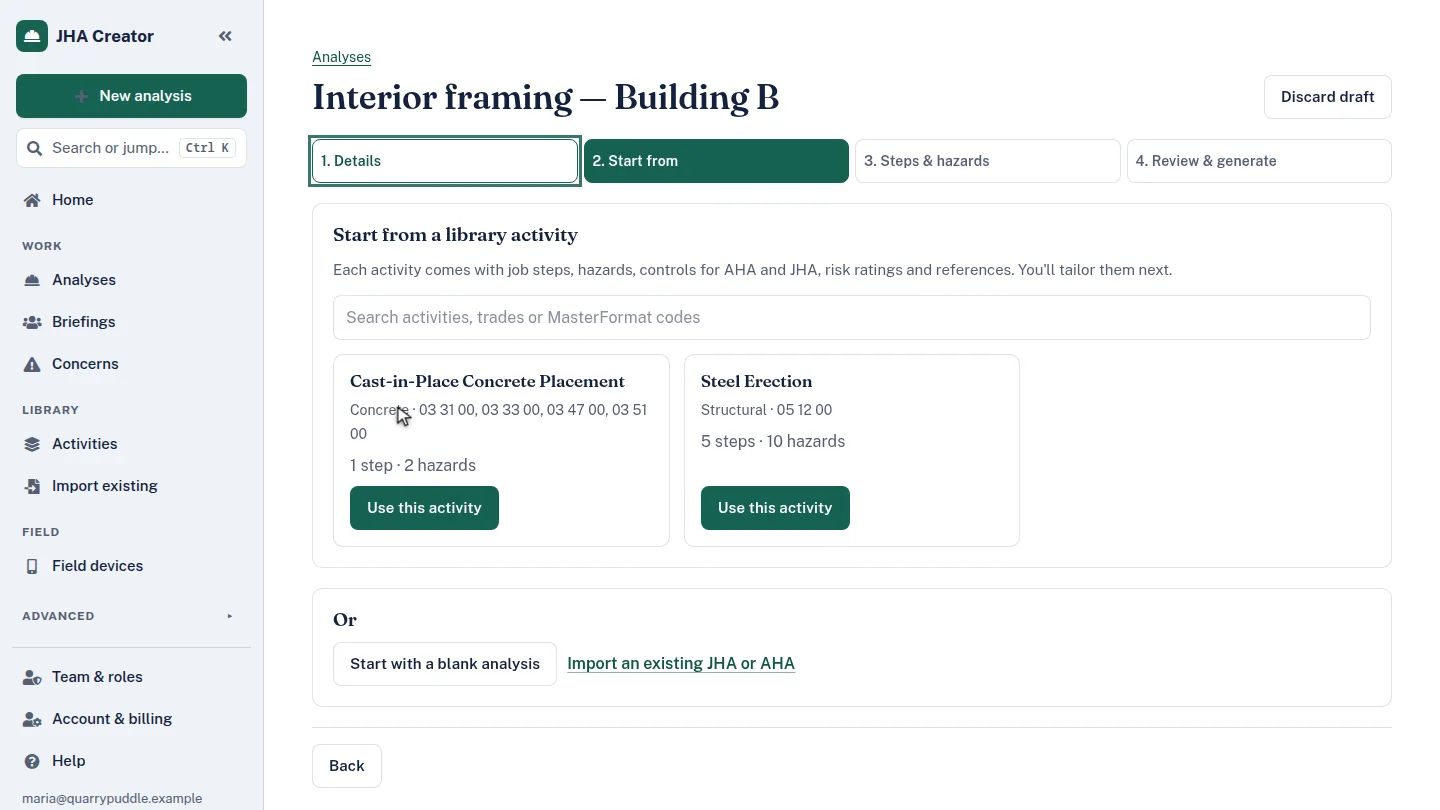
Next steps
- Create your first AHA
- Create a JHA
- Understand the risk assessment code (RAC)
- Print a JHA on OSHA's template
Updated 2026-11-09
AHA vs JHA EM 385-1-1 OSHA edition document type federal work USACE