How to edit job steps, hazards and controls in JHA Creator
A library activity is a starting point, not the plan for your job. Edit the steps to match the work sequence, add the hazards your site has, and rate each one, so the crew is briefed on what they will actually face. The draft saves every time you change step, so you can stop and come back.
Before you start
- The Author role (an admin gives it on Team & roles)
- A draft analysis (see Create your first AHA)
Preview voice Narrated with a local preview voice; the final recording replaces it.
Transcript
Tailor a library analysis to your job, one step and hazard at a time.
Open your draft from Analyses. It opens in the wizard, so select Steps and hazards at the top.
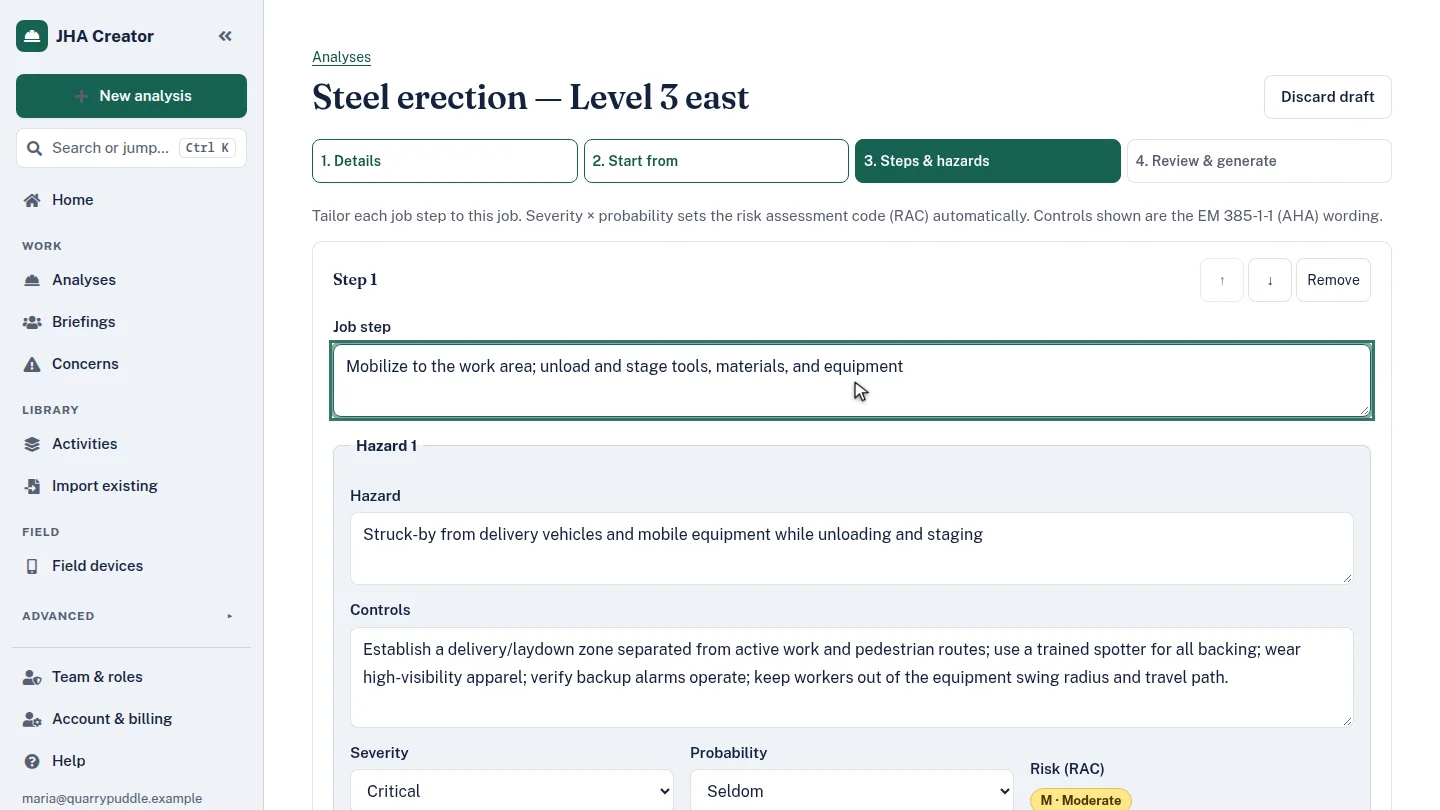
Edit the job step text. The arrows move a step up or down, and Remove deletes it.
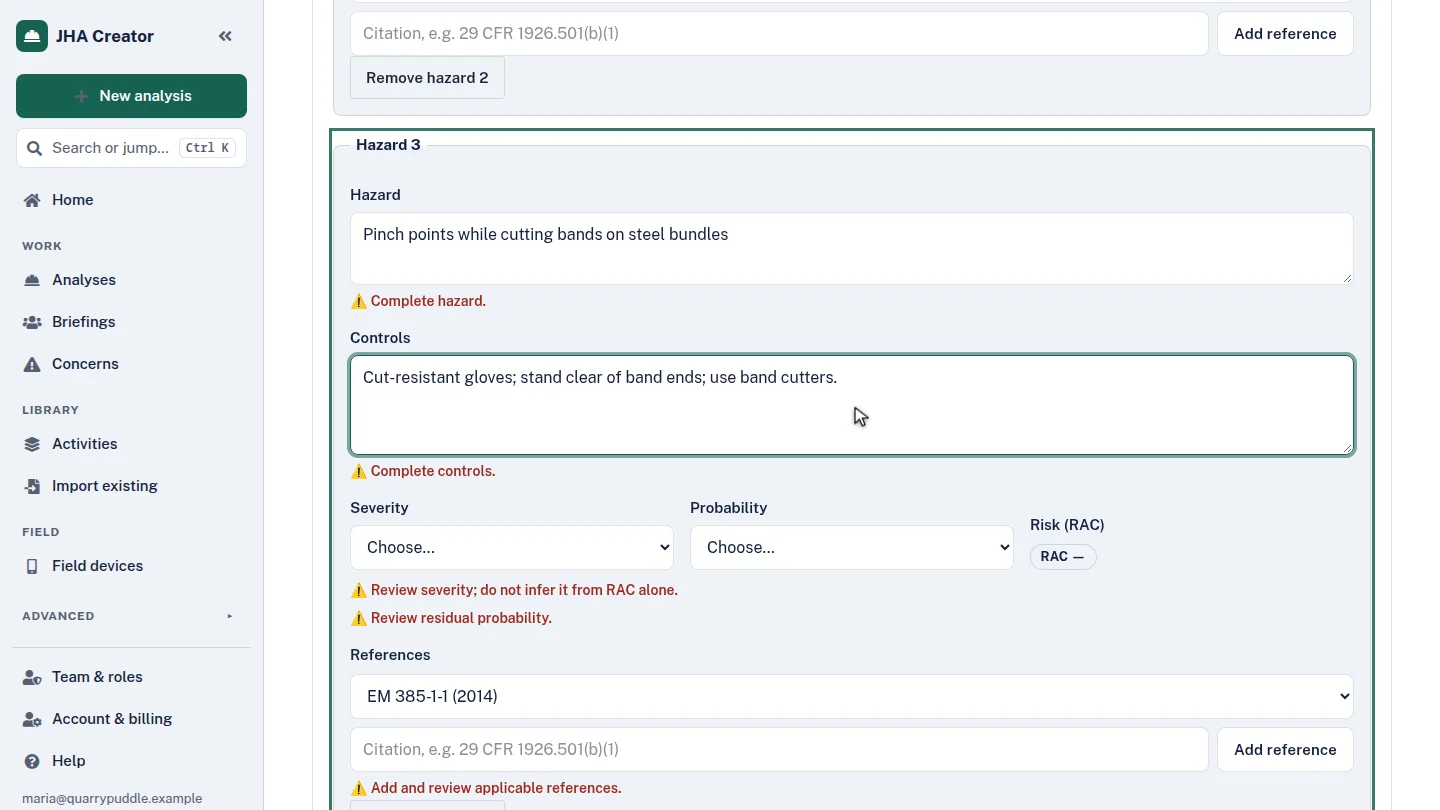
Select Add a hazard to step one, then describe the hazard, and the controls the crew will use.
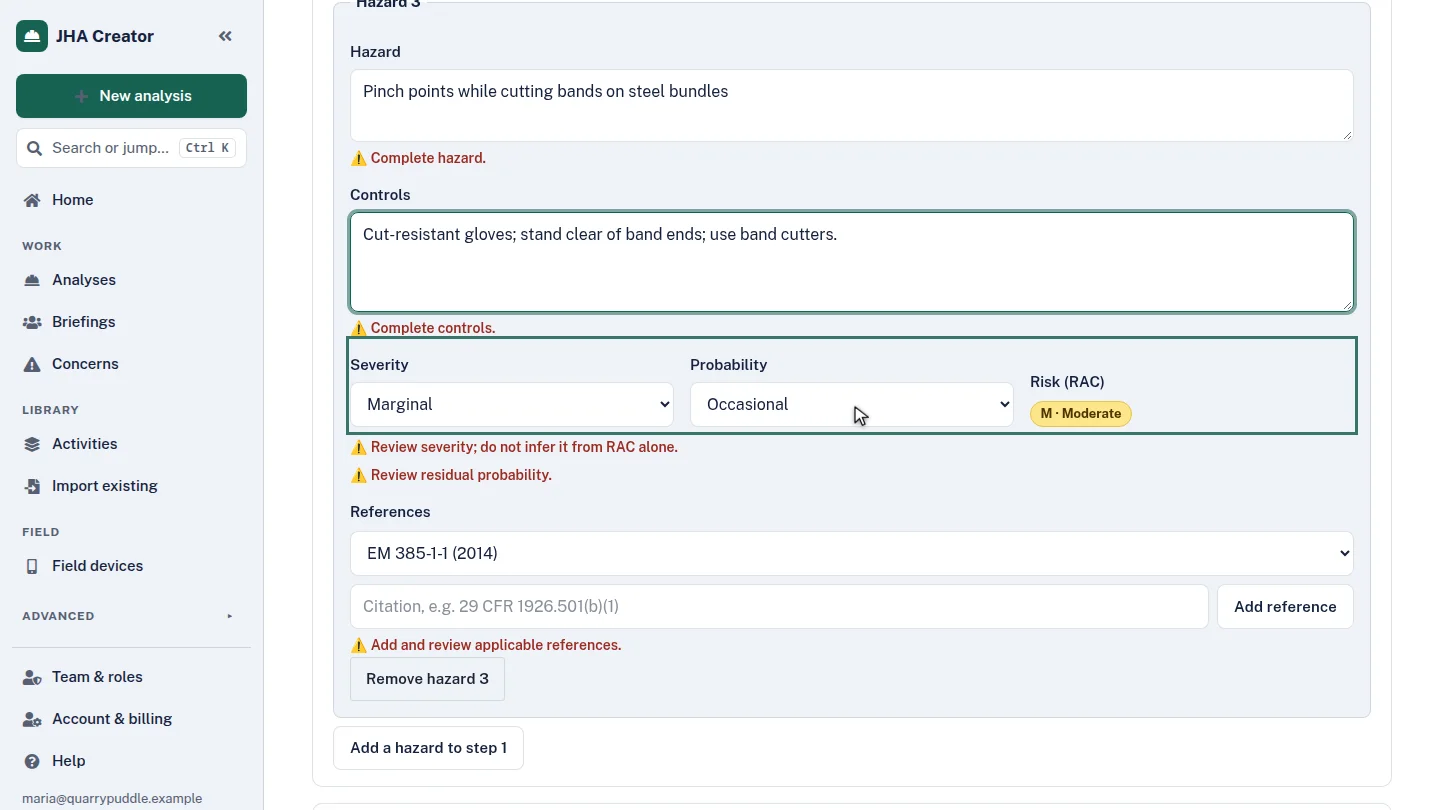
Choose severity and probability. The risk code updates straight away.
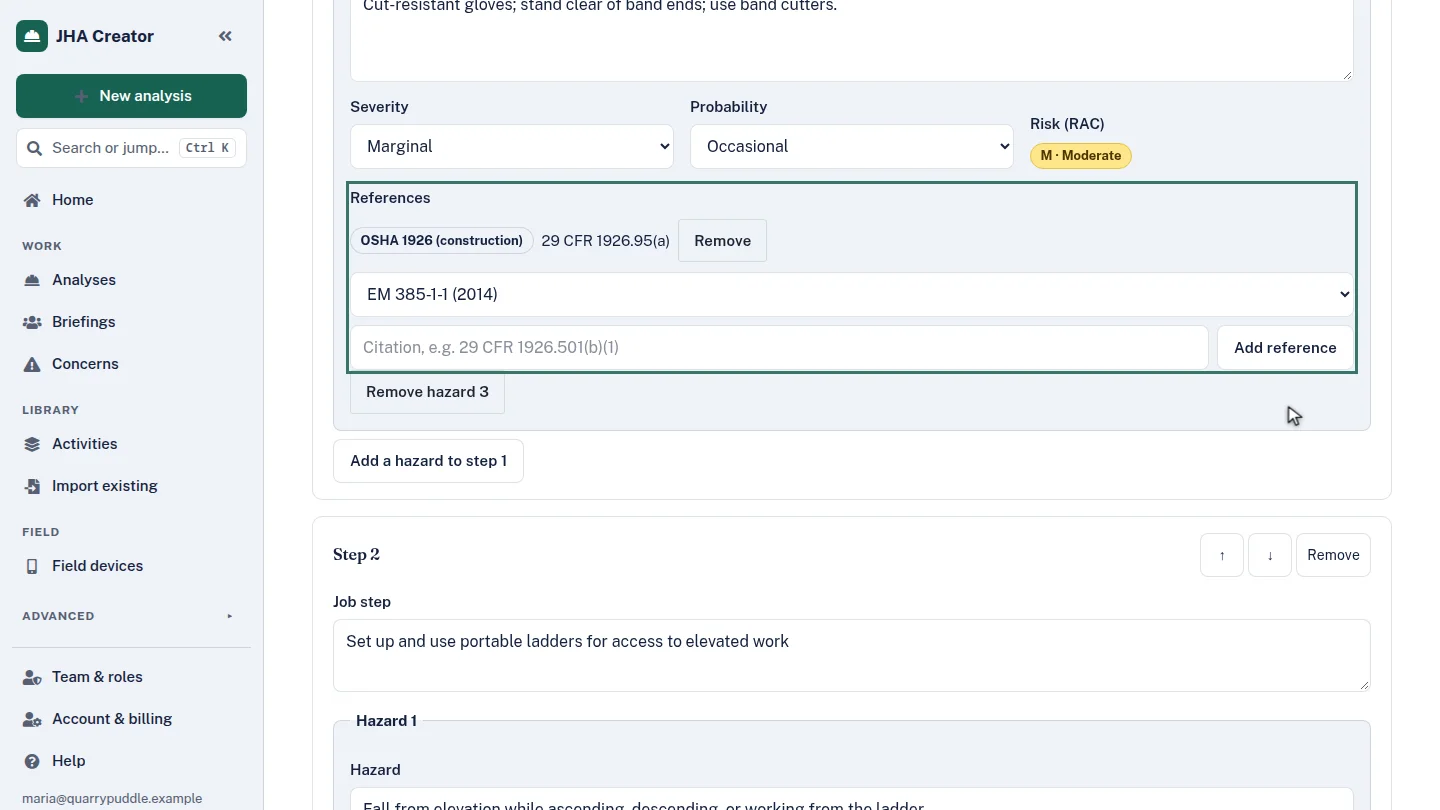
Under References, pick the standard, type the citation and select Add reference.
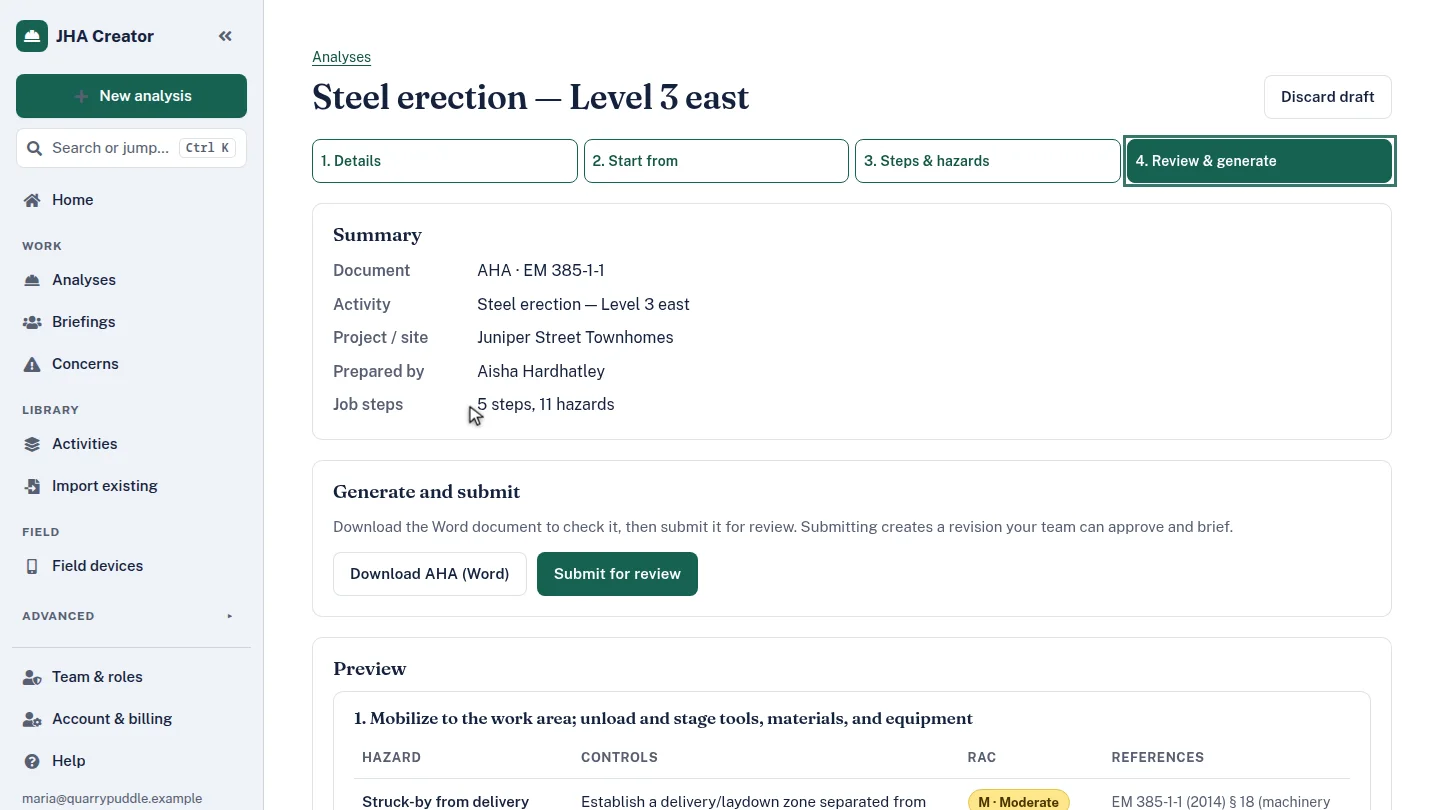
When nothing is left in red, select Save and review.
Steps
Open the draft ▶ 0:06
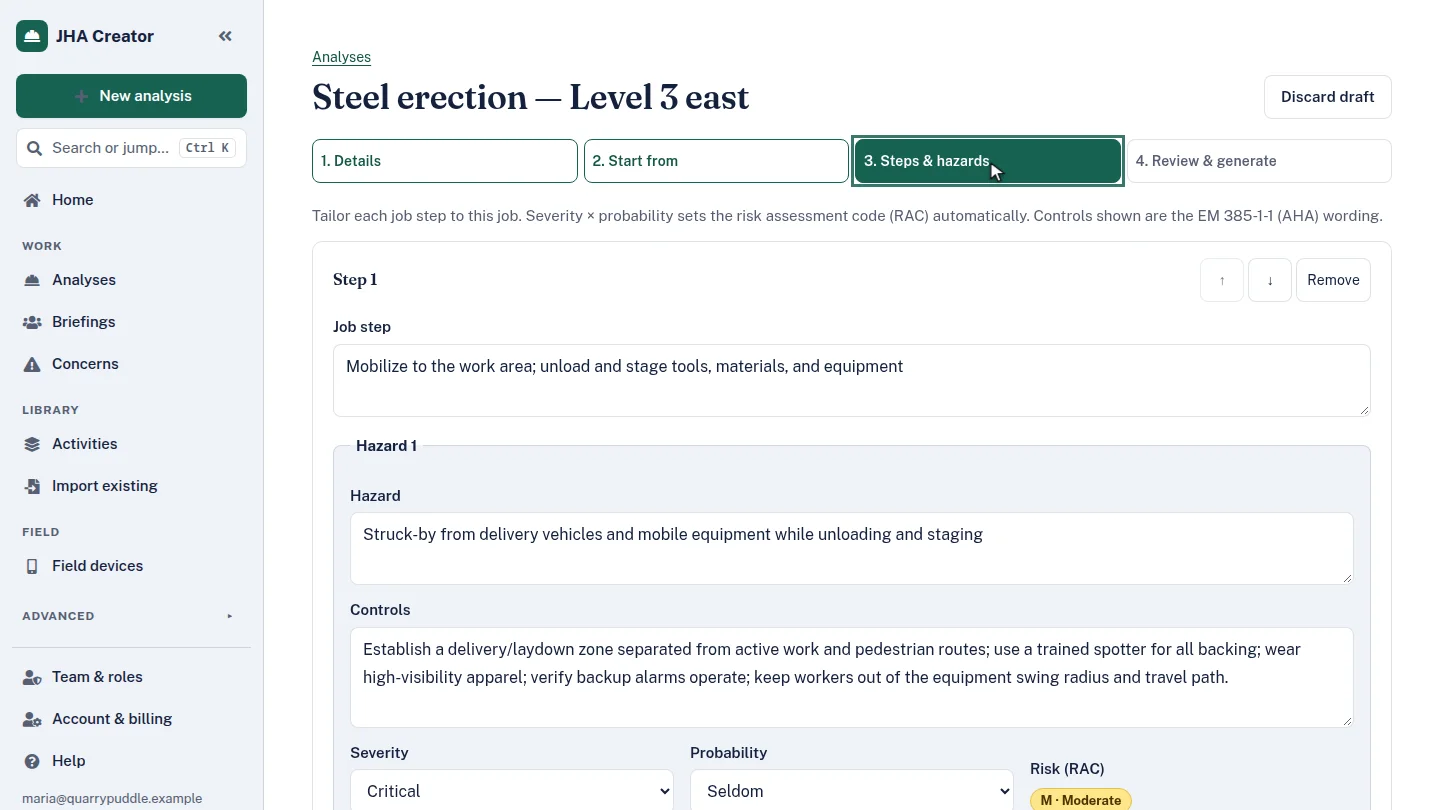
In Analyses, select the draft, then select 3. Steps & hazards at the top of the wizard.
Edit or reorder a step ▶ 0:13
Edit the Job step text. Use ↑ and ↓ to reorder steps, or Remove to delete one after confirming.
Add a hazard ▶ 0:19
Select Add a hazard to step 1 (the number matches the step), then fill Hazard and Controls.
Rate the hazard ▶ 0:26
Choose Severity and Probability. The Risk (RAC) chip updates straight away. See Understand the RAC.
Add a reference ▶ 0:32
Under References, choose the standard, type the Citation, for example 29 CFR 1926.95(a), and select Add reference. Library references are a starting point: a competent person confirms each citation for your project before work begins.
Save ▶ 0:38
When the editor reads Everything is complete., select Save and review. Items still to complete are marked in red.
Next steps
Updated 2026-11-09
edit hazards add hazard controls reorder steps references citation severity probability